BLUF • THE SHORT ANSWER
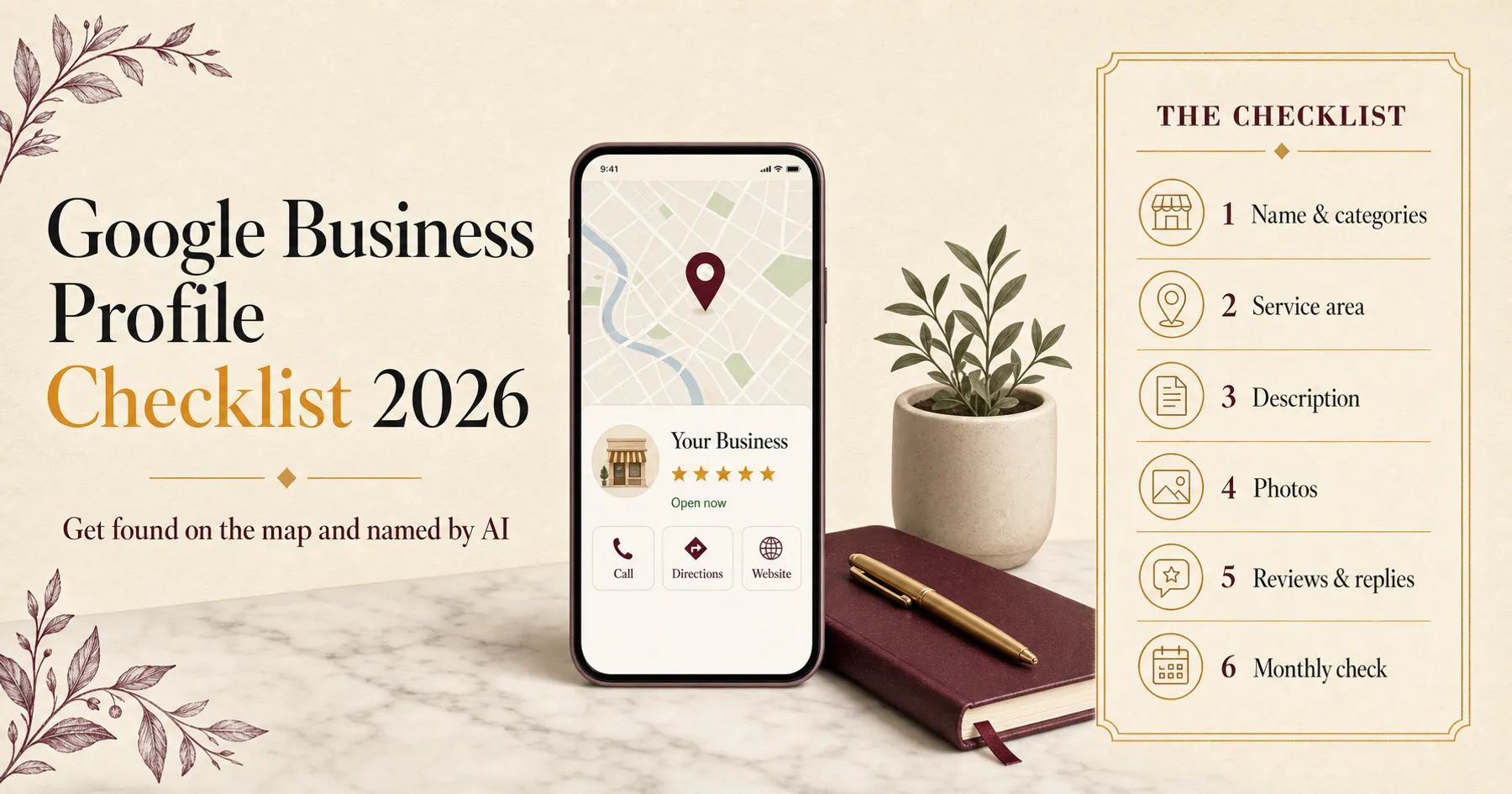
Google ranks local businesses on three things: relevance, distance and prominence. You can't change distance and you can't pay for a better spot, so the work is relevance and prominence — the right name and categories, an honest service area, a description that says what you do, real photos, and a steady flow of genuine reviews you reply to.
DZG • PERSPECTIVE
Search “web designer near me” or “accountant Adelaide” and the first thing most people see is a map with three businesses on it. Not websites — profiles. Those three get the calls, the direction requests and, more and more, the mentions in AI answers. Here’s how to give yours a fair shot.
How Google decides who appears
Google is unusually open about this. Its help page says local results are based mainly on three things:
- Relevance — how well your profile matches what someone searched for
- Distance — how far you are from the person searching
- Prominence — how well known your business is, including links to your site and the number of reviews
You can’t change distance. And Google says plainly: “There’s no way to request or pay for a better local ranking.” So everything below is about relevance and prominence.
1. Get the basics exactly right
- Business name: your real-world name, nothing added. Google’s guidelines say extra words — locations, keywords, slogans — aren’t permitted and can get a profile suspended.
- Website link: point it at your real website, ideally the page that best matches the profile. We found our own Adelaide profile still linked to an old domain that redirected — it worked for visitors, but it blurred the connection between the profile and the site.
- Hours, phone and chat: keep them current. If you prefer messages to calls, add WhatsApp as a chat option.
2. Choose categories the way Google asks
Your primary category does the most work, so make it the one thing you most want to be found for. Google’s guidance is to “use as few categories as possible” and to choose ones that complete the sentence “this business is a…”, not “this business has a…”.
Check them once a year. Google retires categories, and an old one can quietly block every other edit — that happened to one of our own profiles this week, when a category no longer offered in India stopped a simple change from saving.
3. Set your service area honestly
If customers don’t come to you, set up as a service-area business and hide your address. Google’s guidelines also say:
- your service area shouldn’t stretch much beyond about two hours’ drive from where you’re based
- a virtual office or an unstaffed co-working desk doesn’t qualify as a location
Fake locations are one of the fastest ways to lose a profile entirely.
A complete profile is a promise you can keep. A fake one is a suspension waiting to happen.
4. Write the description for people and for AI
You get 750 characters. Use the first sentence to say exactly what you do, where, and for whom. Then name your main services in plain words, mention the proof that matters (years in business, the kind of clients you serve) and end with how to get in touch.
Write it the same way you describe yourself on your website. AI tools build their picture of your business from every source they can find, and a profile that matches your site and your directory listings is far easier for them to describe accurately. Google’s own guidance on AI search tells businesses to keep their local details current in Business Profile.
5. Show your work in photos
Google says photos and videos help you “tell the story of your business”. Use real ones: your team, your work, your premises if customers visit. Skip stock images — a buyer can spot them, and so can you.
6. Earn reviews and answer every one
This is the part most businesses neglect, and it is where AI recommendations increasingly come from. BrightLocal’s 2026 consumer survey found:
- 97% of consumers read reviews when choosing a business
- 45% now use ChatGPT and other AI tools for local recommendations, up from 6% a year earlier
- people use an average of six review sites, and Google’s share has fallen from 83% to 71%
So ask every customer, every time, with a direct review link — not just the ones you expect to be happy. Google’s review policy bans selectively asking for positive reviews, and it bans offering payment, discounts or freebies in exchange for any review. Then reply to every review, good and bad, quickly and in your own words; generic replies read as a red flag.
7. Keep everything consistent
Your business name, services and location should read the same on your website, your Google Business Profile, your social profiles and every directory you’re listed in. Inconsistency doesn’t just confuse customers — it makes it harder for search engines and AI tools to be sure they’re looking at one business.
8. Check it monthly
Google Business Profile shows how people find you and what they do next: searches, calls, website clicks and direction requests. Look once a month. Then ask ChatGPT, Perplexity and Gemini the questions your customers ask — “best [your service] in [your city]” — and note whether you’re named, and which sources they cite.
What gets profiles suspended
- Keywords or locations added to the business name
- Addresses where you have no staffed office
- Paid, incentivised or cherry-picked reviews
- More than one profile for the same location
None of these shortcuts last. A complete, honest profile, kept current and backed by real reviews, does.
FAQ • STRAIGHT ANSWERS
Do Google Business Profile posts improve my ranking?
Google doesn't list posts as a ranking factor. Its own guidance points to complete information, photos, reviews and replies. Posts are still worth doing for people: they keep your profile current and give searchers a reason to click. Just don't expect them to move you up the map on their own.
Can I add my main keyword to my business name?
No. Google's guidelines say extra words in the business name aren't permitted and can get the profile suspended. Use your real-world name, exactly as it appears on your signage, website and invoices. Put your services in the categories and description instead.
I work from home. Should my address show?
No. If customers don't visit you, set your profile up as a service-area business and hide the address. Google asks for exactly that, and it keeps your home address private.
How many reviews do I need?
There's no magic number. What matters is a steady flow of recent, genuine reviews and a reply to every one. BrightLocal's 2026 survey found consumers increasingly expect ratings of 4.5 stars and above, so aim for consistency rather than a one-off push.
Does my Google Business Profile affect what ChatGPT says about me?
It can. AI tools build their picture of your business from many sources, and your profile, reviews and listings are among the most consistent ones. Google's own guidance on AI search tells businesses to keep local details up to date in Business Profile.
Want your Google Business Profile, website and reviews working as one system? Share your brief and we'll scope it within one working day.
Get a proposal →— Harpreet
FOUNDER & CREATIVE DIRECTOR • DEZINO GRAPHIST • SINCE 2009